
Source Health and Lifecycle Triage
See every registered source's health at a glance, open the probe history behind a failure, and act on a proposed lifecycle transition.
These images are illustrations of the concept, not screenshots of the actual product.
Overview
A federated query is only ever as dependable as the sources behind it. SemanticFed registers each warehouse, database, API or file store once, then probes it continuously for reachability and latency. This concept takes the stream of probe results and turns it into a triage surface: a single Data Sources page, reached from Registry in the left navigation and subtitled as health and connectivity lifecycle, that shows which connections are holding up, which are slipping, and what should happen to one that keeps failing.
Without that page, the first sign of a sick source is usually indirect: a report errors, a number looks short, and somebody spends an afternoon tracing the problem back to an endpoint that started timing out. The design brings the signal forward and attaches a decision to it. Summary cards at the top count connected, degraded and disconnected sources beside a tally of probes run in the last twenty-four hours, so the shape of the estate is legible before any row is read.
Below the cards, a table lists each source with its connector type, a status badge, how long ago it was last probed, the latency that probe measured, and whether push-down is enabled for it. The sample rows span the lifecycle deliberately: healthy database sources answering in tens of milliseconds, one degraded API source at several hundred, a disconnected replica with push-down switched off, and a draft object-store source that has never been probed. Expanding the degraded row reveals a probe history for its last dozen checks, with a latency trend that climbs into a spike, a count of consecutive unreachable results, the upstream timeout message returned, and the time of first failure.
Beside the table, a Proposed Action card reads that sample evidence back as a recommendation: sustained probe failures justify a lifecycle transition, the source owner will be notified, and a small label names what triggered the proposal. Apply Transition and Dismiss keep the last word with a person. Source health threads through the rest of the product, since it explains why a query run slowed, informs which push-downs the planner can rely on, and appears among the actions agents may take under workspace permissions.
What this concept shows
- Summary cards counting connected, degraded and disconnected sources plus probes run in the last twenty-four hours
- A source table carrying connector type, status badge, last probe time, measured latency and push-down setting
- Distinct badges for connected, degraded, disconnected and draft sources, shown side by side
- An expandable probe history charting latency across the last twelve checks
- Failure detail with consecutive unreachable probes, the upstream timeout message and the first failure time
- A Proposed Action card that recommends a lifecycle transition, names its trigger and notes owner notification
- Apply Transition and Dismiss controls, so the change is suggested rather than made automatically
- A Register Source action for adding warehouses, databases, APIs and file stores to the registry
How it works
- Open Registry from the left navigation to reach the Data Sources page.
- Read the summary cards for the count of connected, degraded and disconnected sources and recent probe volume.
- Scan the table for warning badges, stale probe times and latency that has drifted upward.
- Expand the degraded source to study its probe history, error message and time of first failure.
- Read the Proposed Action card to see which lifecycle transition is recommended and why.
- Apply the transition, which notifies the source owner, or dismiss the proposal and leave the source as it is.
Who it's for
- Data platform engineers
- Data engineers who own source connections
- Analytics leads who depend on live sources
- On-call and reliability teams
Illustrations
1 illustration of this concept. Select one to view it full size.
Data Sources Registry With Probe History
A desktop layout with a dark left navigation, a workspace switcher and a search field for models, queries and sources. Registry is selected, and the page is headed Data Sources with a subtitle about health and connectivity lifecycle, plus a Register Source button. Four cards count connected, degraded and disconnected sources and probes run in the last day, all sample figures. The table lists each source with connector type, status badge, last probe time, latency and push-down setting: two healthy database sources, one degraded API source, a disconnected replica with push-down off, and a draft object-store source never yet probed. The degraded row is expanded into a probe history for the last twelve checks, showing a latency line that spikes, repeated unreachable results, an upstream timeout message and a first failure time. A Proposed Action panel on the right recommends a lifecycle transition, notes owner notification and offers Apply Transition or Dismiss.
Topics
- data source health monitoring
- connection health probes
- federated data source registry
- degraded source triage
- source latency history
- data source lifecycle states
- push-down enabled sources
- API source timeout diagnosis
- warehouse connectivity checks
Related concepts
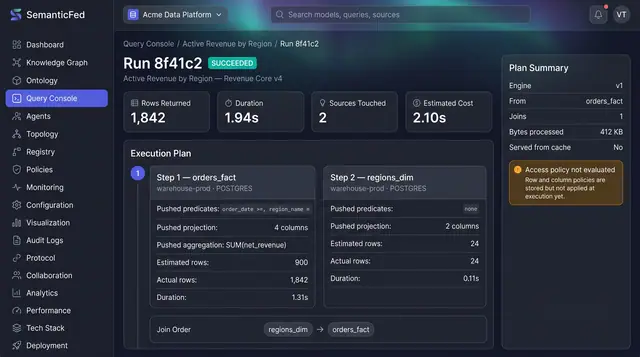
Federated Query Execution Plans
Open any query run and see exactly what was pushed down to each source, what each step really returned, and how the results were joined.
1 illustration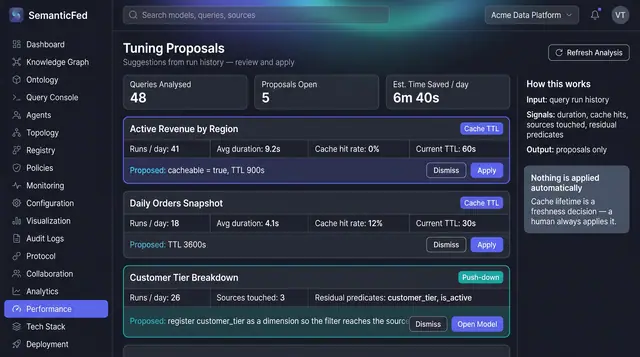
Cache and Push-Down Tuning Proposals
Read query run history back as concrete proposals: cache a query that never hits cache, or push a lingering filter down to the source.
1 illustration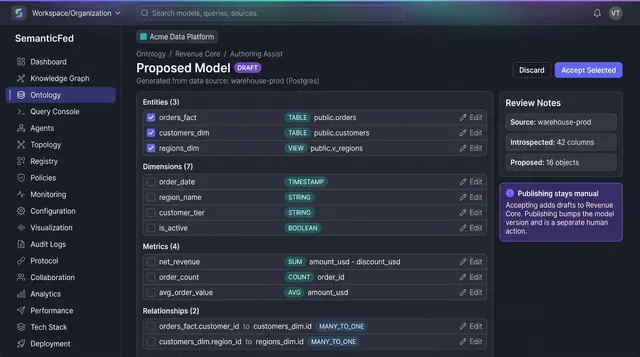
AI-Assisted Model Authoring
Turn an introspected source schema into a proposed draft of entities, dimensions, metrics and relationships, then accept only what fits.
1 illustration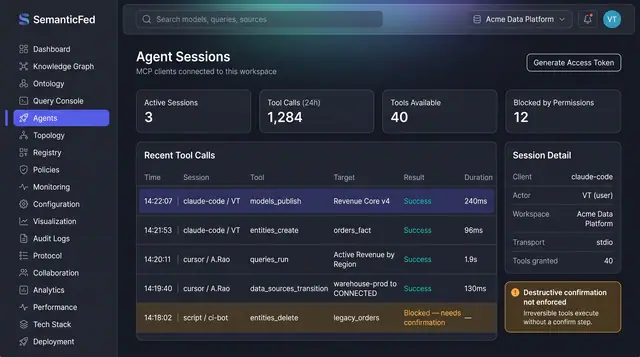
MCP Agent Sessions and Governance
Watch every tool call an AI agent makes in the workspace, and govern which tools agents may use through the same path people take.
2 illustrations