
PII Access Policy Proposals
Sensitive columns are surfaced as inactive policy proposals with their detection reasoning, and only a person can approve and activate them.
These images are illustrations of the concept, not screenshots of the actual product.
Overview
Sensitive data does not arrive labeled. An email column appears in a customer dimension, a date of birth in a patient dimension, and unless somebody notices, both are readable by anyone who can query the model. This concept shows how the product narrows that gap: candidate sensitive columns are detected as models are built, written up as concrete access policy proposals, and held inactive until a person approves them.
The page sits under Policies in the left navigation, headed Access Policies and described as row, column and entity rules attached to your models. Two tabs split the surface into rules that are already active and rules that have only been proposed, each with a count, so the size of the review queue is visible from the tab itself. A New Policy action allows authoring a rule directly rather than waiting for a detection.
The proposed tab is a table built for triage: each row names the column and the entity it belongs to, when it was detected, the rule being proposed, the effect and the status. In the sample data, the proposals cover an email column, a phone number column and a date of birth column, each with a deny effect and an inactive status, so the read is immediate: nothing here has taken effect. Expanding a row opens the full proposal, stating the scope as a column rule, the effect, the principal the rule would apply to, the entity it attaches to, the model version it belongs to, and, importantly, how the column was detected in the first place. Approve and Activate sits beside Reject, and both are the reviewer's to press.
A guardrails panel states the rules the design holds itself to: proposals are created inactive, activation requires a human, and agents never toggle policies. That last line connects this concept to agent governance, where the tool that changes a policy's active state is classified as destructive in the tool permission table. A second note separates storing and toggling a policy from evaluating it during query execution, so a reviewer knows which stage an approval covers. Policies attach to models rather than to individual sources, so a rule written once travels with the model into every federated query that resolves against it.
What this concept shows
- Active and proposed policies split into tabs, each carrying its own count
- A proposals table with column, entity, detection time, proposed rule, effect and status
- Deny-effect proposals across sample sensitive columns including email, phone number and date of birth
- An inactive status on every proposal, so a detection never silently changes access
- An expanded proposal detail naming scope, effect, principal, the entity it attaches to and the model version
- A detection reasoning line explaining why the column was flagged as sensitive
- Approve and Activate beside Reject, keeping activation a deliberate human act
- A guardrails panel stating that proposals start inactive and that agents never toggle policies
How it works
- Open Policies in the left navigation to reach the access policies page.
- Switch to the proposed tab to see rules that have been detected but not activated.
- Scan the table for the columns flagged, the entities they belong to and how recently they were detected.
- Expand a proposal to read its scope, effect, principal, attached entity, model version and detection reasoning.
- Approve and activate the rule if it is correct, or reject it if the column is not sensitive in this context.
- Author further rules directly with New Policy, and review the active tab to see what is already in force.
Who it's for
- Data governance and compliance leads
- Data protection officers
- Data platform engineers
- Semantic model owners
Illustrations
1 illustration of this concept. Select one to view it full size.
Proposed Access Policies for Sensitive Columns
A desktop layout with the product's left navigation, Policies selected, and a heading reading Access Policies above a line describing row, column and entity rules attached to models. A New Policy button sits top right, and two counted tabs separate active rules from proposed ones, with the proposed tab open. The table columns are the affected column, its entity, when it was detected, the proposed rule, the effect and the status; sample rows cover an email column, a phone number column and a date of birth column, all with a deny effect and an inactive status. One row is expanded into a proposal detail listing scope, effect, principal, the entity it attaches to, how the column was detected and the model version, with Approve and Activate beside Reject. A guardrails panel states that proposals start inactive, activation requires a human and agents never toggle policies.
Topics
- PII detection in data models
- column level access policy
- row and column security rules
- sensitive column detection
- deny rule approval workflow
- data governance guardrails
- role based data access
- policy attached to semantic model
- personal data discovery
Related concepts
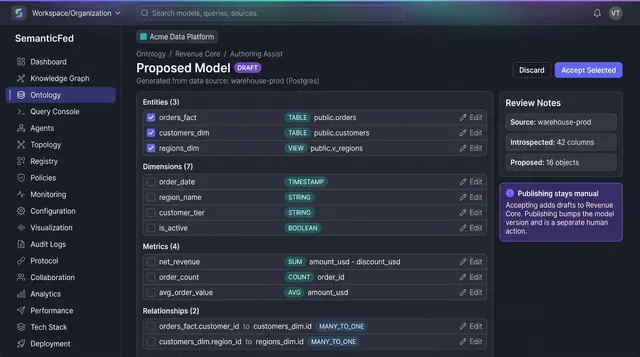
AI-Assisted Model Authoring
Turn an introspected source schema into a proposed draft of entities, dimensions, metrics and relationships, then accept only what fits.
1 illustration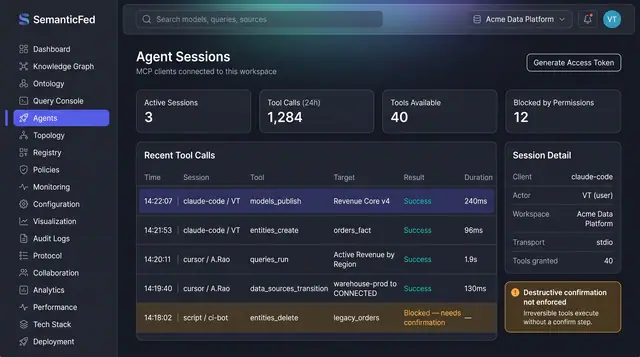
MCP Agent Sessions and Governance
Watch every tool call an AI agent makes in the workspace, and govern which tools agents may use through the same path people take.
2 illustrations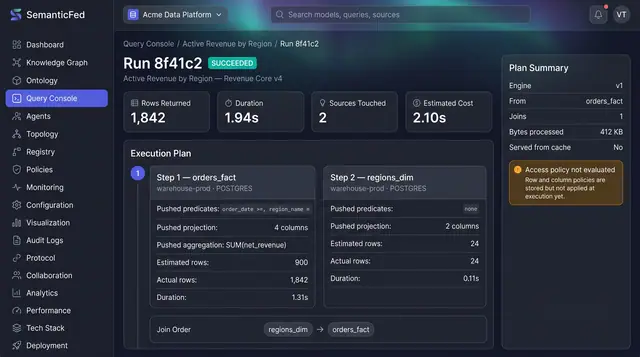
Federated Query Execution Plans
Open any query run and see exactly what was pushed down to each source, what each step really returned, and how the results were joined.
1 illustration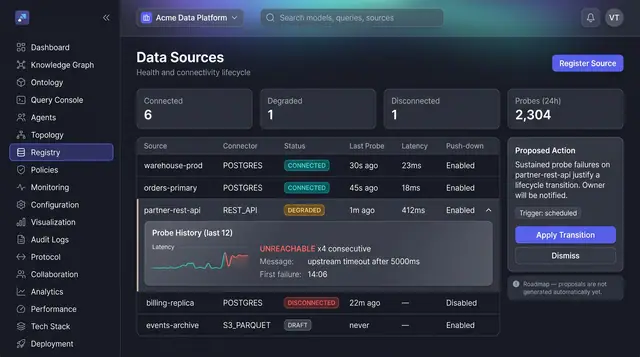
Source Health and Lifecycle Triage
See every registered source's health at a glance, open the probe history behind a failure, and act on a proposed lifecycle transition.
1 illustration
Part of industry solutions
This concept appears in cross-product solutions on burdenoff.com — see how it works alongside other Burdenoff products to solve a problem in that industry.

Industry solution
Healthcare Providers
Identifier columns such as dates of birth are detected and proposed as masking rules that stay inactive until a privacy or data governance lead approves them.
See the solution(opens in a new tab)
Industry solution
Science & Research
Surfaces address, name and survey-identifier columns as inactive column-access proposals (deny or mask) that only the data steward can approve and activate, designed to be enforced on every federated query.
See the solution(opens in a new tab)
Industry solution
Banking & Financial Services
Surfaces sensitive customer columns as inactive DENY policy proposals, with the reason each was detected, that a data owner must approve and activate.
See the solution(opens in a new tab)
Industry solution
Insurance
Surfaces claimant names, bank accounts and dates of birth as inactive masking proposals with the reason each was detected; a data owner approves and activates them.
See the solution(opens in a new tab)
Industry solution
Law Firms and Legal Teams
Surfaces sensitive fields in matter and precedent data as proposed access rules that only a person can approve and activate.
See the solution(opens in a new tab)
Industry solution
Security, Defense & Intelligence
Surfaces sensitive columns as inactive deny proposals that a person must approve before they are meant to apply to partner-facing queries.
See the solution(opens in a new tab)
Industry solution
Biotechnology & Genomics
Surfaces direct identifiers such as date of birth and hospital number as proposed deny rules that stay inactive until a person approves and activates them.
See the solution(opens in a new tab)
Industry solution
Data & Analytics
Is designed to surface sensitive columns such as email and date of birth as inactive deny rules with their detection reasoning, which only a person can approve and activate.
See the solution(opens in a new tab)